
10 Best Image Background Removers in 2027
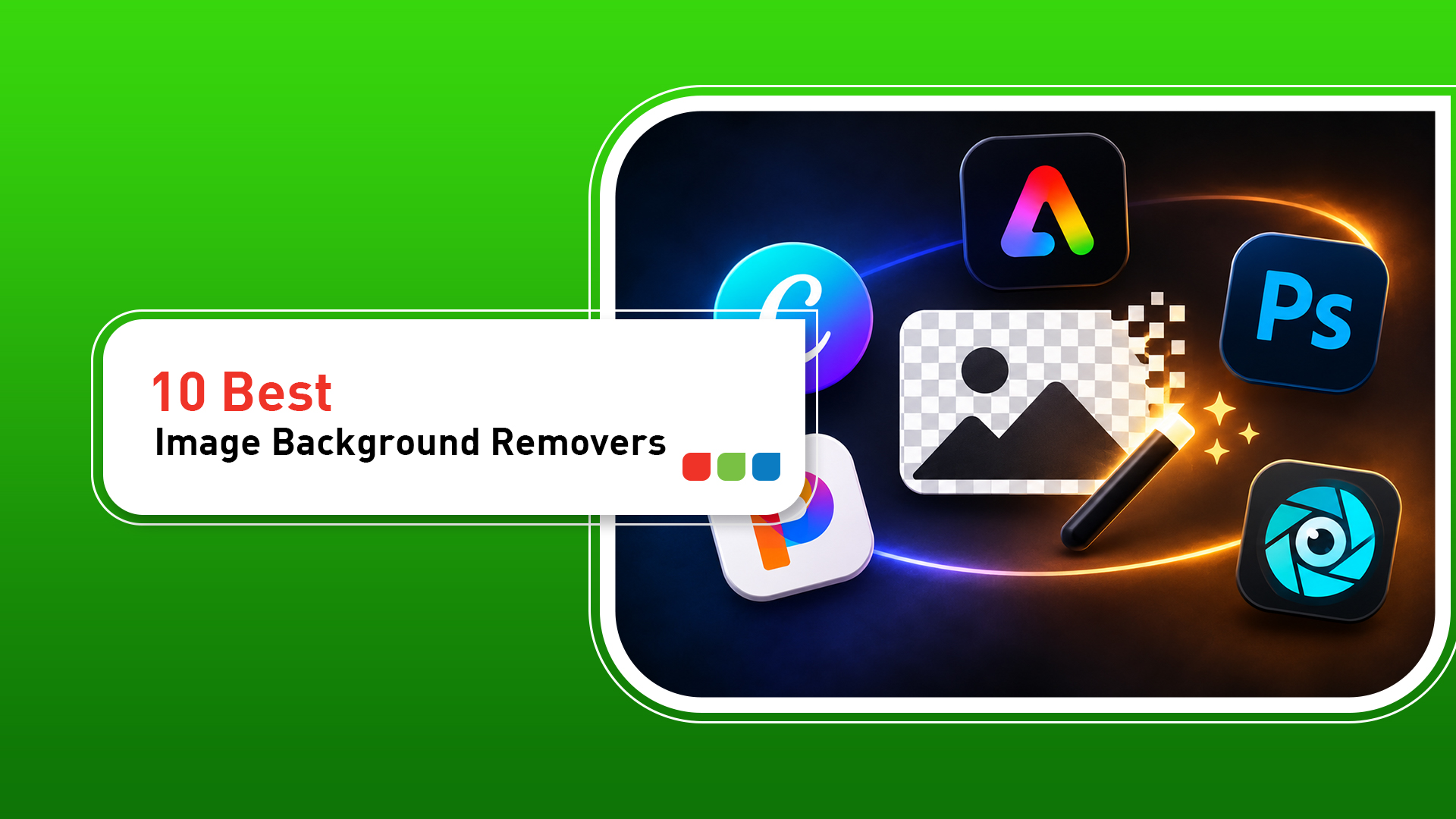
Removing an image background once required patience, advanced editing skills and professional software. AI-powered background removers have made the process much easier. Today, business owners, marketers, creators and online sellers can isolate a subject, create a transparent PNG or replace a background in just a few clicks.
The challenge is choosing the right tool. Some platforms are designed for quick edits, while others offer product-photo workflows, batch processing or detailed manual controls. Free plans may also include restrictions on downloads, image quality or commercial use.
This guide compares ten popular image background removers to help you choose a tool for product photography, social media graphics, website images and marketing campaigns. Features and plan limits can change, so check each provider’s current terms before relying on a particular feature.
What Is an Image Background Remover?
An image background remover detects the main subject in a picture and separates it from the surrounding background. Many modern services use artificial intelligence to identify people, products, animals and other objects, then create a cut-out image. The result can often be downloaded as a transparent PNG or placed on a new background.
1. Adobe Express
Best for: Best for quick edits and everyday creative work
Adobe Express offers a simple background-removal workflow alongside templates and other design features. It is useful when you want to remove a background and continue creating a social post, flyer or promotional graphic in the same workspace.
Key features: Quick background removal; design templates and editing tools; transparent PNG export options.
Things to consider: Some advanced features require a paid plan. Fine hair, transparent objects and low-contrast edges may need additional editing.
Official website: https://www.adobe.com/express/feature/image/remove-background
2. Canva
Best for: Best for social media designs and branded content
Canva combines background removal with a broad design editor. After isolating a subject, you can add it to social posts, presentations, banners and other branded materials.
Key features: Background removal within a design workflow; templates and brand assets; multiple content formats.
Things to consider: Background Remover availability depends on the plan and current product terms. Check eligibility and usage limits.
Official website: https://www.canva.com/
Read More: Choosing the Top Graphic Design Agencies in India
3. Photoroom
Best for: Best for e-commerce and product photography
Photoroom is built around product imagery and commercial visual content. It can help sellers create clean product cut-outs, apply new backgrounds and prepare consistent images for online listings.
Key features: Product-focused background editing; background replacement; workflow features for sellers.
Things to consider: Some export, batch and advanced editing capabilities may depend on a paid plan.
Official website: https://www.photoroom.com/
4. Pixelcut
Best for: Best for mobile-first product images
Pixelcut provides AI-powered image editing features aimed at creators, entrepreneurs and sellers. Its background tools can help prepare product images and social content, particularly on mobile devices.
Key features: AI background removal; product-image editing; mobile-friendly creative workflow.
Things to consider: Free usage, export limits and advanced features can vary by plan and platform.
Official website: https://www.pixelcut.ai/
5. Adobe Photoshop
Best for: Best for professional control and detailed refinement
Photoshop offers background-selection and masking tools for users who need more control than a one-click remover provides. It is useful when an image needs edge refinement, retouching, colour correction or compositing.
Key features: Advanced selection and masking; manual refinement for complex edges; professional editing workflow.
Things to consider: It has a steeper learning curve than simple online removers and may be excessive for occasional basic edits.
Official website: https://www.adobe.com/products/photoshop.html
6. Clipdrop
Best for: Best for AI-assisted image editing
Clipdrop offers a collection of AI image tools, including background-related editing features. It can suit users who want to combine background removal with other AI-assisted workflows.
Key features: AI-powered image editing; creative experimentation; web-based workflow.
Things to consider: Available features, output limits and pricing may change. Review current plan details.
Official website: https://clipdrop.co/
7. Fotor
Best for: Best for accessible online photo editing
Fotor combines photo-editing features with AI tools. Its background-removal workflow can help users prepare images for simple marketing, personal projects and online content.
Key features: Online photo editing; AI-assisted background removal; image enhancement tools.
Things to consider: Some high-resolution exports or premium tools may require a subscription or credits.
Official website: https://www.fotor.com/
8. Pixlr
Best for: Best for browser-based editing
Pixlr offers browser-based image editing for users who want to make adjustments without installing a full desktop application. Background removal can be part of a broader editing process.
Key features: Browser-based editing; adjustment and design tools; quick image tasks.
Things to consider: The experience and available features can differ across Pixlr products and subscription levels.
Official website: https://pixlr.com/
9. Cutout.Pro
Best for: Best for a range of AI visual tools
Cutout.Pro provides AI-assisted image and video tools, including background removal. It may be useful for users who need several types of visual processing from one service.
Key features: AI background removal; additional image and video processing; varied creative tasks.
Things to consider: Check credit usage, output resolution, commercial-use conditions and current plan limits.
Official website: https://www.cutout.pro/
10. Erase.bg
Best for: Best for a straightforward background-removal workflow
Erase.bg focuses on removing image backgrounds through an online workflow. It can be considered for simple subject isolation when you do not need a full design suite.
Key features: Focused background-removal workflow; simple online usage; common image cut-outs.
Things to consider: Check current service availability, supported formats, export quality and pricing before depending on it for business production.
Official website: https://www.erase.bg/
Which Background Remover Should You Choose?
(i) For e-commerce product photos: consider Photoroom or Pixelcut for product-focused workflows.
(ii) For social media graphics: Canva or Adobe Express can combine cut-outs with templates and design tools.
(iii) For detailed professional editing: Adobe Photoshop offers more manual control over selections and masks.
(iv) For browser-based editing: compare Pixlr, Fotor and Clipdrop based on the exact features you need.
(v) For occasional quick cut-outs: test a focused remover such as Erase.bg, while confirming current availability and export terms.
Also Read: How to Sell D2C Products through Social Media Marketing in India?
How to Choose the Right Image Background Remover
1. Check edge accuracy. Look closely at hair, fur, glass, jewellery, product edges and shadows. A clean cut-out should preserve fine details without unwanted halos.
2. Understand free-plan limits. Some tools restrict image dimensions, downloads, credits, batch processing or watermark-free exports. Test a representative image before committing.
3. Confirm output formats. Transparent PNG is useful when placing a subject over a new background. Check whether the tool preserves transparency and provides adequate resolution.
4. Review batch processing. If you regularly edit many images, check whether batch processing is available, how it is priced and whether output remains consistent.
5. Read privacy and commercial-use terms. Before uploading customer, employee or confidential product images, review data handling and retention policies. Confirm that the plan permits your intended commercial use.
6. Test the complete workflow. Measure more than removal speed. Consider editing, resizing, naming, exporting and publishing so the tool fits your actual process.
How Background Removal Helps Business Marketing
Consistent visuals help a business present its products and services professionally. Background removal can support several marketing activities:
(i) E-commerce listings: create clean product images that keep attention on the item.
(ii) Social media: place people, products or campaign subjects into branded layouts.
(iii) Paid advertising: prepare creative variations for Google Ads, Meta Ads and other campaign placements.
(iv) Website content: create consistent images for service pages, banners and landing pages.
(v) Presentations and catalogues: produce visuals that fit a consistent brand style.
Background removal is only one part of an effective visual strategy. Strong messaging, useful landing pages, audience targeting and consistent branding still matter. Businesses looking to improve online visibility can explore InkSpilled: https://inkspilled.in/.
Common Mistakes to Avoid
(i) Assuming every automatic cut-out will be perfect, especially around fine or transparent details.
(ii) Downloading a low-resolution image for a large banner or product catalogue.
(iii) Ignoring commercial-use terms or privacy policies.
(iv) Using inconsistent backgrounds and image dimensions across product listings.
(v) Forgetting to inspect the final image on both light and dark backgrounds.
(vi) Choosing a tool based only on its free label without checking export restrictions.
Frequently Asked Questions
What is the best image background remover in 2027?
The best choice depends on your workflow. Photoroom is worth considering for product photography, Canva and Adobe Express for marketing designs, and Photoshop for detailed manual editing.
Are there free AI background removers?
Some services provide free access, trials or limited credits. The number of images, output resolution and download options may be restricted, so check current plan terms.
Does removing a background reduce image quality?
It does not have to, but output quality depends on the source image, tool and export settings. Check resolution and inspect edges before publishing.
Which background remover is best for e-commerce?
Photoroom and Pixelcut are designed around product imagery and are useful options to compare. Your best choice depends on catalogue size, consistency needs and budget.
Can AI background removers handle hair and fine details?
Many can detect complex edges, but results vary. Fine hair, fur, transparent objects and low-contrast edges may need manual refinement.
Can I download an image with a transparent background?
Many tools support transparent PNG export. Confirm that transparency is included in the plan and export format you select.
Is Canva’s background remover free?
Access can depend on the Canva plan and current product terms. Check Canva’s official pricing and feature information before relying on it.
Can I remove backgrounds from multiple images at once?
Some platforms provide batch workflows, sometimes with plan or quantity limits. Check the current batch-processing rules for your chosen tool.
Is it safe to upload business photos to an online background remover?
Review the provider’s privacy policy, retention practices, security information and terms before uploading sensitive or confidential images.
Can businesses use background-removed images commercially?
Commercial use depends on the source image rights, tool terms and subscription plan. Verify all relevant permissions before using images in paid campaigns or product listings.
Final Thoughts
The best image background remover is the one that delivers the quality, speed, output format and workflow your business needs. For product photography, compare specialist tools such as Photoroom and Pixelcut. For social media and branded content, consider Canva or Adobe Express. For complex edits, Photoshop provides greater control.
Before choosing, test your own images, compare the final exports and review the latest pricing, privacy and commercial-use terms. A reliable image workflow can help your business create clearer product listings, more consistent social content and stronger marketing visuals.
Related Post
-
 22 Aug, 24
Choosing the Top Graphic Design Agencies in India
In today’s visually-driven world, a strong brand identity is essential for businesses to stand out. This is where the expertise of some of the top graphic design agencies in India becomes invaluable. A well-designed logo, captivating visuals, and cohesive branding